Private Client-Side
Multi-Format Converter
Convert, resize, and compress images in bulk. Adjust quality limits to hit target sizes (under 20KB, 50KB, 100KB) and custom aspect dimensions locally with 100% data safety.
FAQ Helpdesk
Answers to technical support and operations inquiries.
Q.How does BatchPix ensure complete file safety?
BatchPix runs 100% client-side inside your web browser container. Image streams are processed strictly in your device's local RAM memory. No bytes are ever transmitted over the network or saved to remote databases, making it compliant with GDPR and CCPA rules.
Q.What image formats can I compile under BatchPix v4.0?
We natively support cross-compilation among 13 popular formats: PNG, JPG, JPEG, WEBP, AVIF, HEIC, TIFF, ICO, GIF, BMP, PDF, SVG, and RAW camera files.
Q.How does the target KB sizing feature function?
When you set a target size constraint (e.g. under 50KB), the compression engine triggers an in-memory binary search optimization loop. It runs multiple compression sweeps on the HTML5 Canvas quantization matrix to find the maximum quality index that fits below your ceiling.
Q.Is there a file upload or download bottleneck?
No. Since files are read locally using the browser's Web File API, there are no upload speeds or bandwidth bottlenecks. Processing speeds depend entirely on your system's local CPU cores and RAM allocation.
Q.Can I convert high-resolution RAW camera files?
Yes. BatchPix handles raw files (such as CR2, NEF, or DNG) through a sandboxed local decoder wrapper, extracting the image binary array and converting it cleanly to web-friendly formats without any cloud requirements.
Q.How does the centimeter to pixel conversion calculate exact sizes?
We use a high-fidelity print density of 300 DPI (Dots Per Inch), translating to roughly 118.11 pixels per centimeter. For instance, a passport photo size of 3.5cm x 4.5cm is compiled as 413px x 531px, preventing pixelation on print forms.
Q.Does the platform compile multi-size ICO favicons?
Yes. The converter exports the canvas to a standard PNG format, then prepends a valid 22-byte ICO header tree dynamically in memory, compiling a legitimate `.ico` file output.
Q.Can I convert images directly into PDF documents?
Yes. BatchPix compiles a single-page PDF document by wrapping the optimized JPEG byte buffer inside standard PDF catalog descriptors, outputting a fully compliant `.pdf` stream directly in-browser.
Q.Is there a limit on bulk operations or files?
There are no artificial limits. However, because all files reside in your active browser tab memory, very large batches (e.g. over 100 images) may trigger browser sandbox memory caps on lower-RAM devices.
Q.Are my conversion choices logged or tracked?
No images or personal identifiers are logged. We collect anonymous telemetry statistics (conversion format pairs and output file size) to optimize our interface, with no user tracking codes.
Local Pipeline Blueprint
Hardware-accelerated processing that respects local client privacy bounds.
Sandbox Decrypt Ingest
Files are fetched from directories by the browser Web File API, creating temporary in-memory blob routes instantly.
Canvas Rescale Loop
Decoded color arrays draw on Canvas nodes. Custom pixel constraints apply hardware acceleration to scale images.
Binary Size Optimization
Quantization compression loops check sizes, iteratively matching KB limits to compile standard output download links.
Editorial Insights & Guides
Technical deep dives into image compression algorithms, metadata privacy, and modern browser APIs.
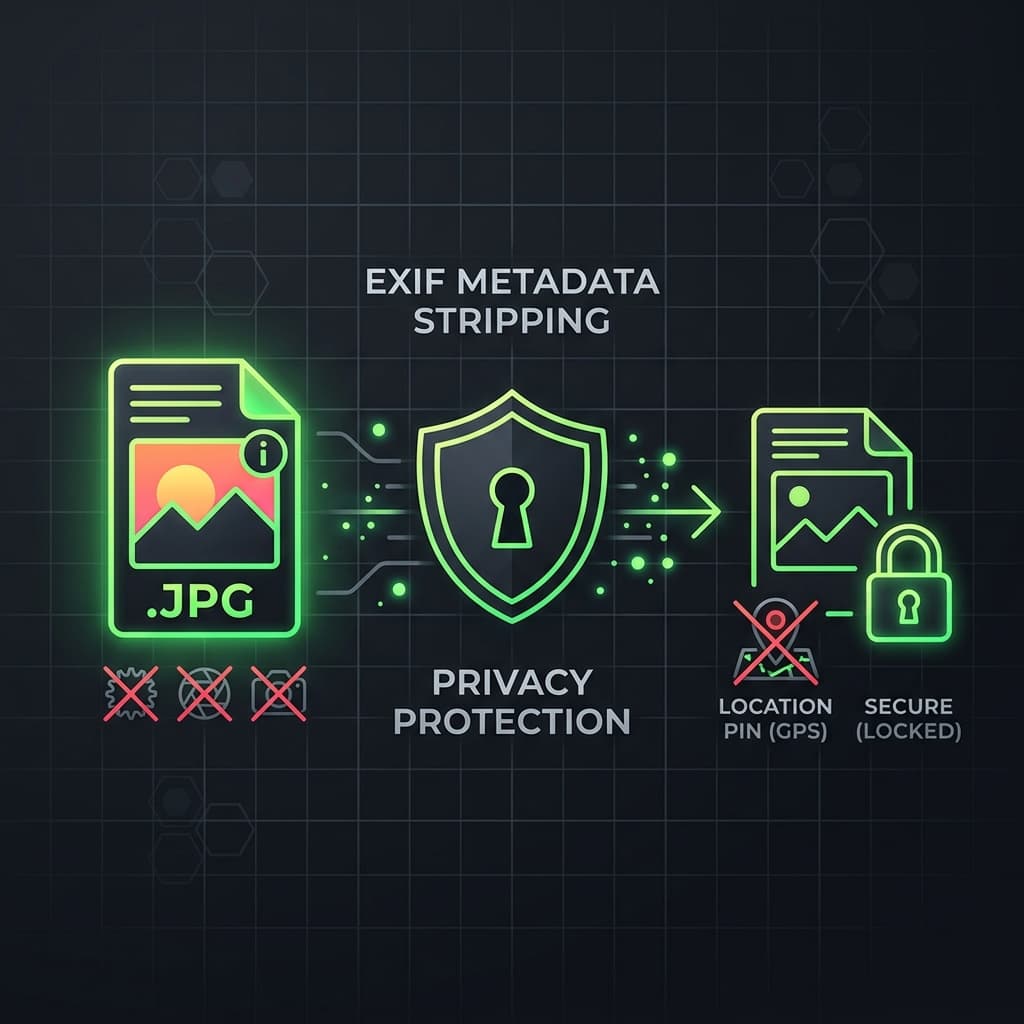
Stripping EXIF Metadata: How to Protect Your Privacy Online
Discover what geolocation tags, device models, and capture parameters are hidden in your photos and how to strip them completely in the browser.
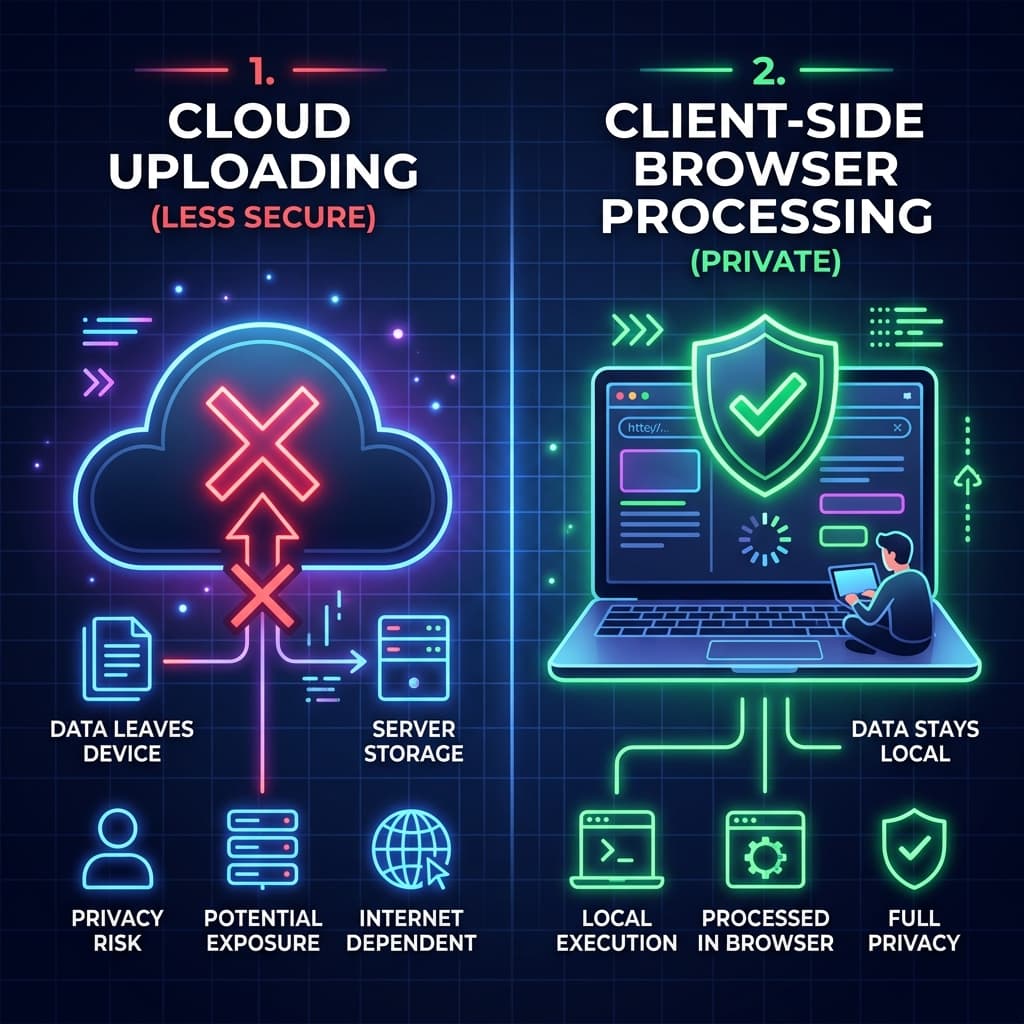
Why Browser Image Converters are Safer Than Cloud Portals
A comparison between client-side HTML5 sandbox systems and traditional server uploads regarding corporate compliance, speed, and cost.
The Power of Client-Side Web Utilities and Data Safety
An analysis exploring how in-browser client sandboxes protect sensitive business documents while bypassing cloud costs.
Regulatory GDPR & COPPA Compliance Protocol
BatchPix converts and resizes files completely in-browser. All binary assets reside transiently in local heap allocations, satisfying GDPR Articles 25 and 32 and COPPA childrens data protection frameworks. No remote logging operations occur.